
Educators Hub / Build & Assign
Build the learning experience you need.
Start with a lesson, assignment, assessment, lab, book resource, or Cyber Challenge activity—and combine only the pieces that fit your learners and available time.
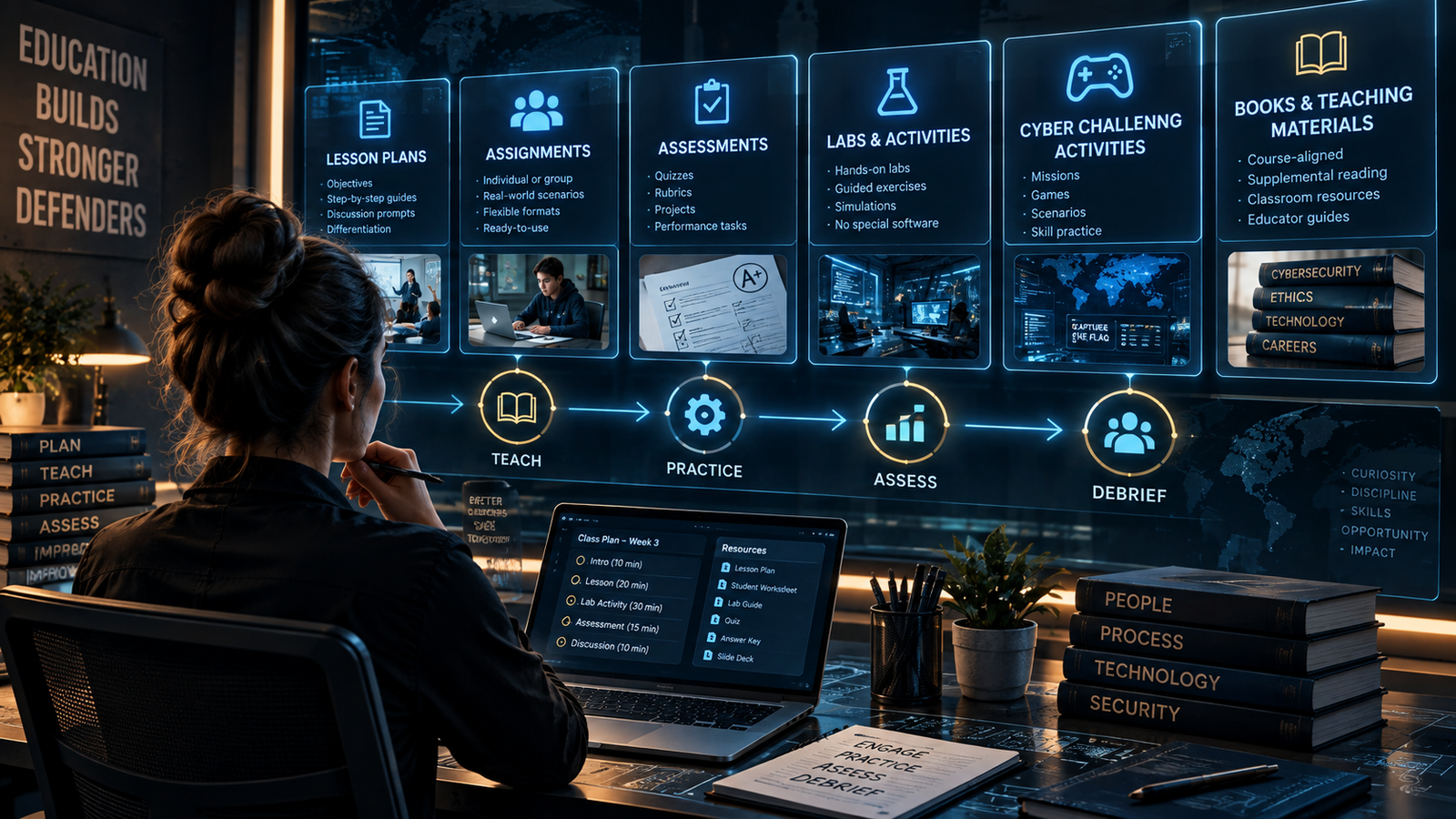
Choose a starting point
Six practical ways to build.
You do not have to use every part. Pick what fits the class, the time available, and the learning objective.
Combine the pieces
Examples of complete teaching sequences.
Cyber Challenge Educator Workspace
Turn practice into a focused student assignment.
Use Challenge when you want interactive practice from Challenges, Cyber Missions, Skill Paths, certification practice, game modes, Weekly Ten, events, or campaign activities.
- Assignment codes
- Direct links
- Printable sheets
- QR codes
- No student accounts

Assessment note
Use the right evidence for the right purpose.
Challenge completion receipts are useful student-provided practice evidence and reflection aids. They are not independently verified grades or identity proof. Formal assessment resources and rubrics remain available separately in the Hub.